
No products in the cart.
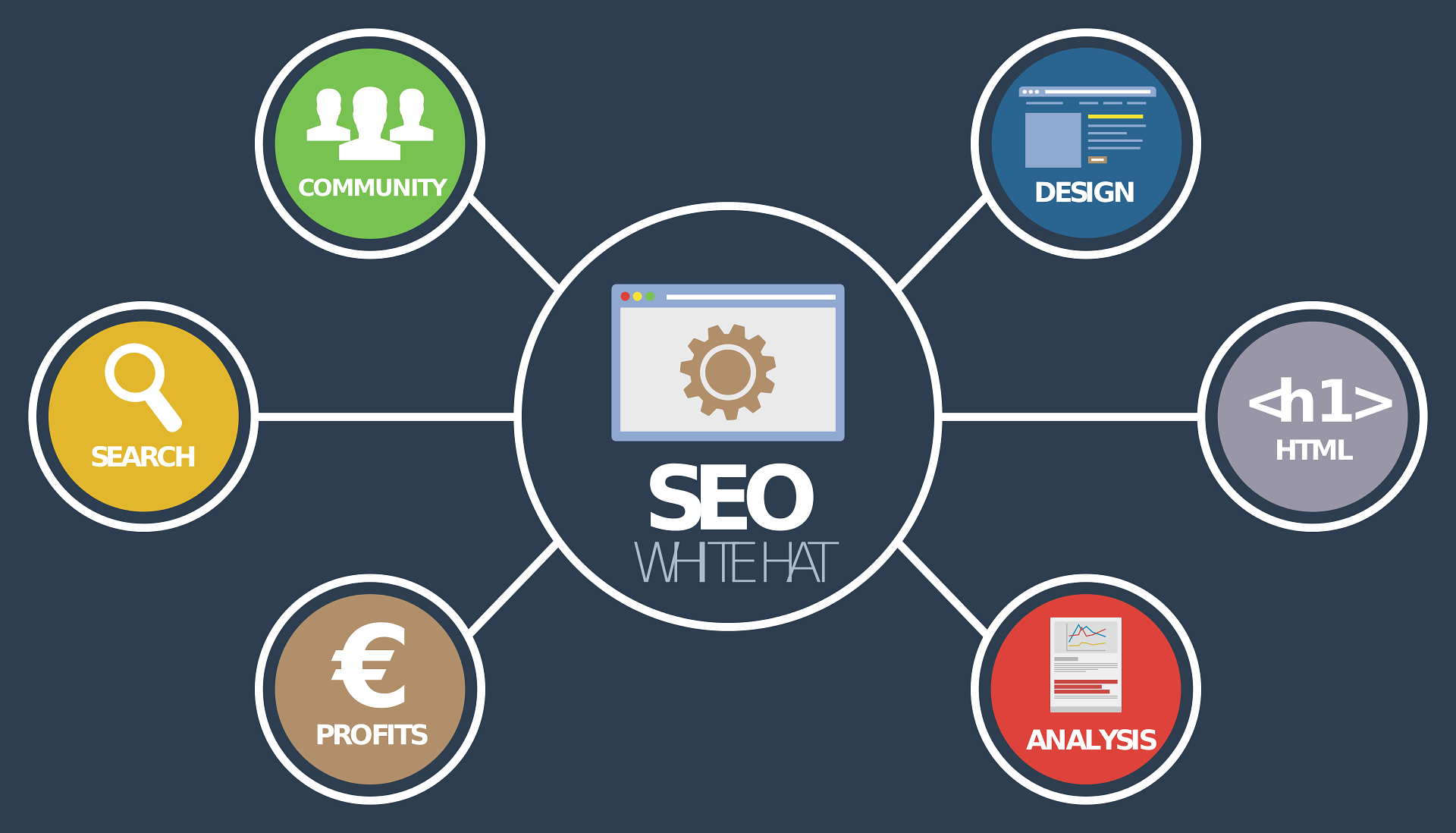
Building a WordPress website is just the beginning. If no one can find your site on Google, you’re missing out on free, high-quality traffic and potential customers.
That’s where Search Engine Optimization (SEO) comes in.
SEO can sound intimidating if you’re new to it—but the truth is, you don’t need to be a tech genius to make your site rank. In fact, with just a few key steps, you can significantly improve your site’s visibility, drive more organic traffic, and ultimately increase your sales or leads.
This beginner-friendly guide will show you how to optimize your WordPress website in 5 easy, actionable steps, using tools and techniques even a non-technical user can implement.
Let’s dive in!
What Is SEO and Why Is It Important?
SEO (Search Engine Optimization) is the process of improving your website’s structure, content, and reputation so that it ranks higher on search engines like Google.
Why it matters:
- 93% of online experiences start with a search engine
- The first 5 search results on Google get over 67% of all clicks
- Organic traffic converts better than paid ads in most industries
If you have a WordPress site for your business, blog, or e-commerce store, SEO is one of the best ways to drive sustainable, long-term, and cost-effective traffic.
Step 1: Install an SEO Plugin (and Configure It Properly)
The first thing you need is a powerful SEO plugin. It helps you optimize your site without touching any code.
Top SEO Plugins for WordPress:
- Rank Math (our top recommendation at Multimedia Webz)
- Yoast SEO
- All in One SEO
These plugins let you:
- Add meta titles and descriptions
- Create XML sitemaps
- Generate breadcrumbs
- Integrate with Google Search Console
- Add schema markup
How to Set Up Rank Math (Step-by-Step):
- Go to your WordPress Dashboard → Plugins → Add New
- Search for “Rank Math”
- Click “Install” and then “Activate”
- Run the setup wizard—it will:
- Connect to Google Search Console
- Set a default meta format
- Enable schema markup
- Generate a sitemap
Rank Math also includes a content optimization score, which helps you improve each page or blog post for specific keywords.
Step 2: Do Basic Keyword Research
SEO starts with understanding what your audience is searching for.
A keyword is simply the phrase someone types into Google. To rank, you need to:
- Know what terms your audience is searching for
- Use those terms strategically throughout your site
Free Tools to Use:
- Google Keyword Planner
- Ubersuggest
- AnswerThePublic
- KeywordTool.io
What to Look For:
- Search volume: Number of monthly searches
- Difficulty: How competitive the keyword is
- Intent: What the user is trying to achieve (buy, learn, compare, etc.)
Example:
If you’re a graphic designer selling Instagram templates, you might target:
- “Instagram Canva templates”
- “Editable Instagram post designs”
- “Social media templates for entrepreneurs”
Use long-tail keywords (3–5 words) for easier rankings.
Step 3: Optimize Pages and Posts (On-Page SEO)
Once you have your keywords, it’s time to optimize your actual content.
What to Optimize on Each Page:
1. Title Tag
- This is the clickable headline that appears in Google results.
- Make it clear, include your main keyword, and keep it under 60 characters.
Example:
“Instagram Canva Templates for Coaches | YourBrand”
2. Meta Description
- A short summary under your title in search results.
- Include keywords and a call-to-action.
Example:
“Download professional Canva templates designed for business coaches and influencers. Customize in minutes!”
3. URL Slug
- Keep it short, readable, and include the keyword.
Example:yourwebsite.com/instagram-canva-templates
4. Headings (H1, H2, H3)
- Use your main keyword in the H1 (only one per page).
- Use H2s for sections and H3s for sub-sections—include variations of your keyword.
5. Content
- Write at least 800–1000 words per page or blog post.
- Naturally include your keyword 3–5 times.
- Use related terms and synonyms (semantic keywords).
6. Images
- Add relevant images
- Use descriptive file names and ALT text with keywords
7. Internal Linking
- Link to other pages on your website
- Helps Google crawl your site and improves user engagement
8. External Links
- Link to credible sources (like official guides or trusted tools)
- Shows search engines that you provide value
Step 4: Improve Site Speed and Mobile Responsiveness
Google prioritizes websites that are fast and mobile-friendly.
Tools to Test Your Speed:
Speed Optimization Tips:
- Use lightweight WordPress themes
- Install a caching plugin like WP Rocket or W3 Total Cache
- Compress images with Smush or TinyPNG
- Use a Content Delivery Network (CDN) like Cloudflare
- Minimize JavaScript and CSS files
Mobile Optimization:
- Use a responsive theme (all Multimedia Webz templates are mobile-optimized)
- Check on multiple devices and screen sizes
- Avoid pop-ups that block mobile usability
Remember: A 1-second delay in loading time can reduce conversions by 7%.
Step 5: Submit Your Site to Google and Build Backlinks
Even if your site is fully optimized, Google won’t rank it unless it knows it exists.
Step A: Submit to Google Search Console
- Go to Google Search Console
- Add your website property
- Verify it (usually via HTML tag or DNS)
- Submit your sitemap (automatically generated by Rank Math or Yoast)
This tells Google to crawl and index your pages.
Step B: Build Backlinks to Increase Authority
Backlinks are links from other websites pointing to your site. Google sees them as votes of confidence.
How to Get Backlinks as a Beginner:
- Guest blog on related sites
- List your business on directories (Yelp, Clutch, Behance, etc.)
- Collaborate with influencers or bloggers
- Share content on social media and in communities
- Use tools like HARO (Help A Reporter Out) to get featured in publications
The more quality backlinks you have, the more trustworthy and authoritative Google will consider your site.
Bonus Tips to Take SEO Further
Once you’ve mastered the basics, here are a few ways to keep growing:
1. Update Old Content
Refresh outdated posts with new info, keywords, and links.
2. Write Blog Content Regularly
The more quality content you have, the more opportunities you get to rank.
3. Use Schema Markup
Add structured data to improve how your pages appear in search results.
4. Install Google Analytics
Track your traffic, top-performing pages, bounce rate, and more.
5. Monitor Your Rankings
Use free tools like Ubersuggest or Google Search Console to see how your pages are performing.
How Multimedia Webz Makes WordPress SEO Easier
At Multimedia Webz, we don’t just sell stunning ready-made WordPress websites—we also make sure they are SEO-friendly from the start.
Our websites come with:
- Fast loading themes
- Built-in Rank Math plugin setup
- Mobile responsive design
- Image optimization
- SEO-ready blog layouts
Whether you’re starting a blog, launching a service business, or building a portfolio, we ensure your site has the best foundation for search engine visibility.
Conclusion: SEO Isn’t Optional—It’s Essential
SEO doesn’t have to be complicated. With the right approach and tools, you can:
- Increase organic traffic to your site
- Build long-term visibility and trust
- Outrank competitors and generate more leads or sales
Just follow these 5 beginner-friendly steps:
- Install and configure an SEO plugin
- Do basic keyword research
- Optimize your pages and content
- Improve your site’s speed and mobile usability
- Submit to Google and start building backlinks
Stick to the basics, be consistent, and watch your WordPress site climb the ranks.
Want an SEO-Optimized WordPress Site Without the Stress?
Explore our ready-made WordPress websites at Multimedia Webz—they’re built to rank, convert, and scale with your brand.
Need help with setup or SEO optimization? Contact us—we’ll walk you through it or handle it for you!